From Paper to Digital: The Easiest LMS Transition Guide for Filipino Teachers
How to move away from the green and yellow class record books without losing your sanity.

TL;DR
- Start small: Don't digitize everything at once. Begin just with Quizzes.
- Communicate with students clearly about where things will be posted.
- Use Sigasig's straightforward bulk-upload utility to copy over class rosters via CSV instantly.
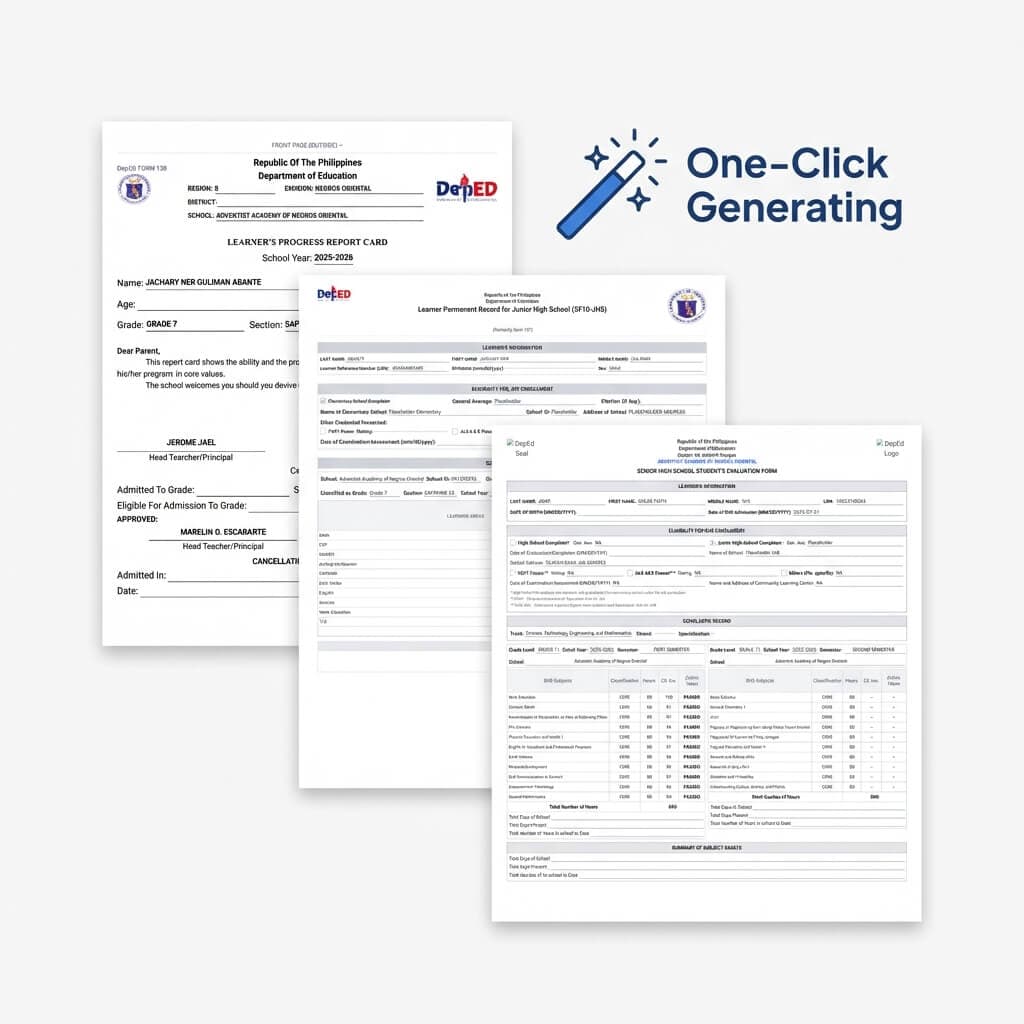
- Let the system handle the heavy math by generating the E-Class Record automatically at the quarter's end.
The Anxiety of the 'New System'
Change is incredibly difficult, especially for veteran educators who have spent twenty years mastering their analog, paper-based workflow. The classic green grid notebook works, right? Why change it?
The answer is scale and reporting. When you embrace a system like Sigasig, your data becomes actionable instantly.
Step 1: The Import
The biggest hurdle is inputting student names. Sigasig easily bypasses this by allowing you to download a standard Excel template, copy your class roster directly from your LIS (Learner Information System) export, and bulk-load everyone with a single click.
Step 2: Just Do Quizzes
Our recommendation for week one? Continue your lectures exactly as you normally do, but administer your Friday quiz using Sigasig's Form Builder. The instant gratification of watching the system auto-grade fifty students in two seconds will instantly prove the platform's worth—no training seminar required.
Step 3: Automate the E-Class Record
Once you are comfortable with digital quizzes, the final piece is letting the system do the heavy math. Link your assessments to the required DepEd components (Written Works, Performance Tasks, etc.). At the end of the quarter, simply click "Generate E-Class Record." Watching your entire grading spreadsheet compile itself—with perfect transmuted scores—is the moment you'll never look back at paper again.