Build a Single Course.
Share to All Your Sections.
Create lesson modules and periodical exams once, assign them across multiple class sections with one click, and watch student exam scores sync automatically into your DepEd Electronic Class Record. Review individual answers, award partial credit, and override scores whenever needed—you always have final say.
From Test Paper to DepEd ECR in Seconds
Inspect how course creation, cross-section distribution, and grading work harmoniously in Sigasig.
Student submissions flow directly into your DepEd ECR.
When your students submit a quiz, unit test, or quarterly periodical exam in Course Builder, their raw points automatically populate your Electronic Class Record. If you ever need to review individual responses, you can easily inspect student submissions, award partial credit, and override scores with one click—the teacher always has final grading authority.
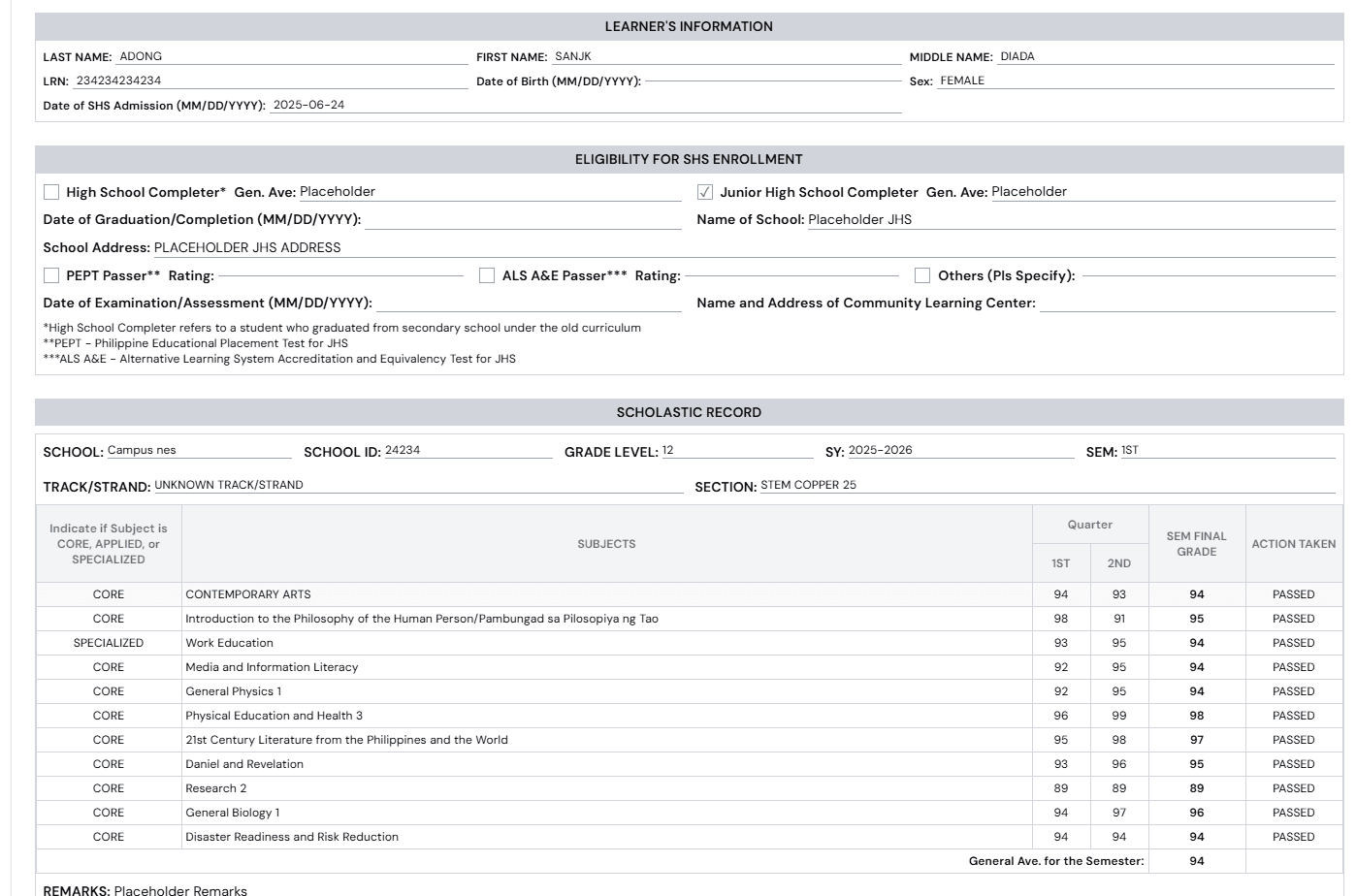
How ECR Auto-Sync Works in Practice
Build Lesson & Exam Once
Assemble your instructional notes, reading materials, and periodical assessment items in the clean editor. Set answer keys and scoring rules once.
Assign to Multiple Sections
Select your assigned class sections (e.g. Diamond, Emerald, Ruby). Each section gets its own isolated roster and response ledger without duplicating course files.
Scores Auto-Flow into ECR (With Override)
As learners complete the exam, raw scores and transmuted grades route directly into your DepEd ECR. Review student submissions, award partial credit, or override scores anytime.
Manual Grading vs. Course Builder Auto-Sync
Manual Score Encoding
Spending 4 to 6 hours checking paper test sheets, calculating percentages on a calculator, and typing scores row by row into an Excel spreadsheet.
Online exam submissions score automatically and sync raw scores directly into the DepEd ECR. Your gradebook updates in real time.
Score Review & Manual Override
Rigid formula spreadsheets break when manually altered, or automated systems lock grades without letting teachers grant partial credit or adjust for excused items.
Teachers keep 100% final grading discretion: review student answer sheets item-by-item, grant partial credit for solutions, and override any score with one click.
Managing Multiple Sections
Creating separate folders, re-uploading documents 5 times, and maintaining duplicate course files for every section you handle.
Create the course once, check off the sections you teach, and manage independent section gradebooks from a single unified workspace.
Offline Campus Realities
Generic LMS tools break down when school WiFi drops, leaving teachers stranded with no printable backup options.
1-Click export of official 2-column paper test papers and answer keys optimized for classroom mimeograph and risograph printing.
Put Assessment Grading
On Complete Autopilot.
Build your next lesson or periodical test today. Deploy to all your class sections and watch the scores sync automatically to your DepEd ECR.
Important Notice Regarding DepEd Affiliation
Sigasig.online is an independent DepEd-aligned educational technology platform engineered to support Filipino educators, class advisers, and school leaders. Our platform conforms strictly with the Department of Education (DepEd) K-12 and MATATAG curriculum frameworks, DepEd Order No. 8, s. 2015, DepEd Order No. 15, s. 2026, and official DepEd School Forms (SF1 to SF9).
Sigasig is an independently developed private software platform designed to assist Philippine schools with digital records and grading automation, and operates in full compliance with Republic Act No. 10173 (Data Privacy Act of 2012).