How Sigasig Automates MAPEH Grading for Teachers: 4 Subjects, 1 Click
Stop manually averaging Music, Arts, PE, and Health grades.

TL;DR
- The Parent-Child Architecture: MAPEH is uniquely treated as a "Composite Subject" containing its four distinct child components (Music, Arts, PE, Health).
- Two Grading Modes: Sigasig intelligently supports both Per-Component Grading (detailed) and Consolidated MAPEH Grading (unified/fast).
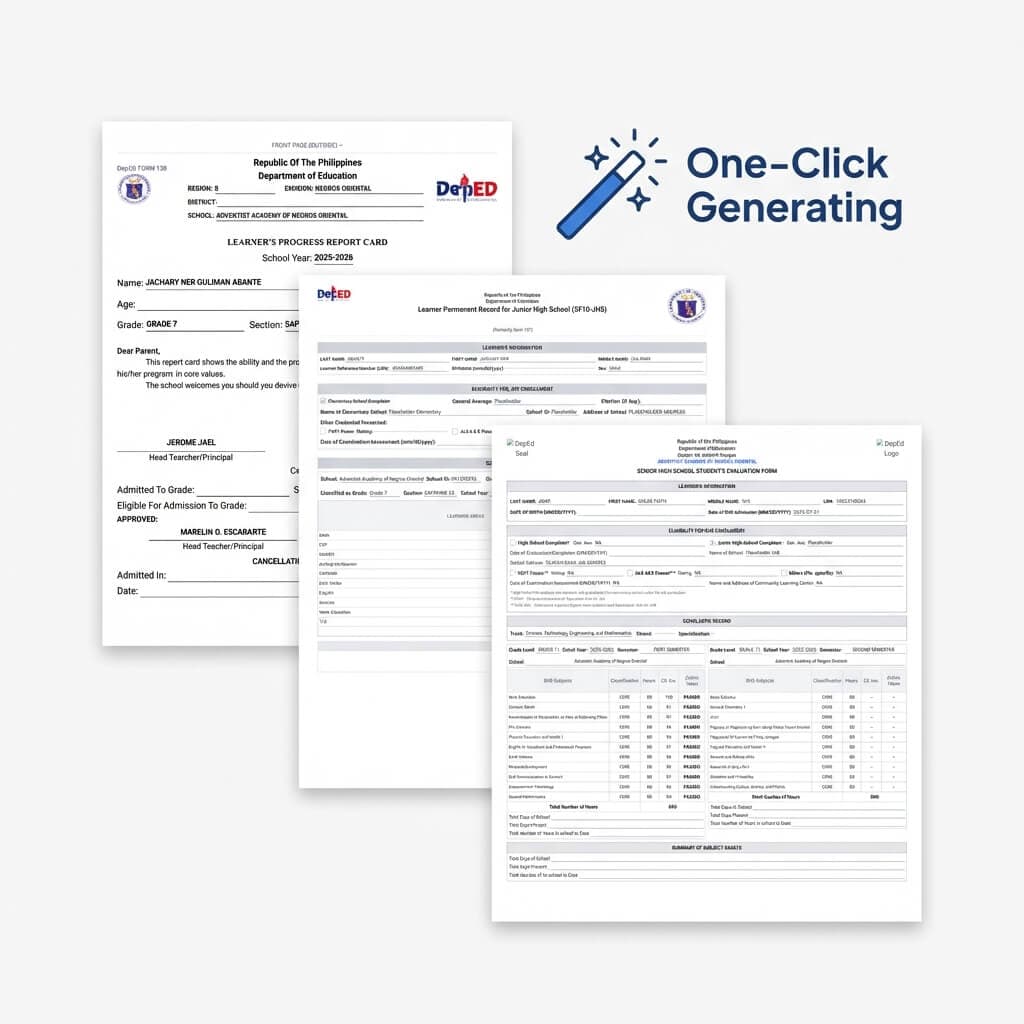
- No Manual Averaging: With one click, the system securely synchronizes the four component grades and calculates the true MAPEH average, transmuting it automatically for SF9/SF10 generation.
- Time-saving automation: We eliminated the need for external calculators or spreadsheets to aggregate the 4 subjects, effectively buying you hours of your life back.
1. The Nightmare of the "Composite Subject"
For most subjects in the DepEd curriculum, computing a grade is fairly linear: tally the Written Works, the Performance Tasks, and the Quarterly Assessment, then apply the transmutation table. However, MAPEH (Music, Arts, Physical Education, and Health) isn't just one subject—it's four distinct disciplines jammed into one final grade output.
Historically, this has meant that a single MAPEH teacher must manage four separate record books per section, manually transmute the grades for each, and then pull out a calculator to manually average the four transmuted scores just to get the final MAPEH grade for the Form 137. It is easily the most tedious grading workflow in the Philippine education system.
2. How Sigasig Solves MAPEH Architecturally
Instead of forcing teachers to hack standard LMS systems, Sigasig was built with a specialized "Parent-Child" composite architecture specifically to handle MAPEH.
When a student is enrolled in a grade level that includes MAPEH, Sigasig's auto-enrollment service kicks in behind the scenes. It doesn't just enroll the student in "MAPEH"; it intelligently maps them to the parent subject and all four sub-subjects simultaneously. This eliminates any extra clerical mapping for the school's registrar.
3. Flexible Grading: Do It Your Way
We know that not all schools grade MAPEH the same way. That's why Sigasig offers two distinct, intelligent workflows right in the Grade Sheet UI:
- Per-Component Grading (Detailed): Using the Component Selector in the header, teachers can toggle their view instantly between Music, Arts, PE, and Health. Input your raw scores for each specific component, and Sigasig automatically calculates their individual transmuted grades. Then, a single click of the "Sync" button pulls those four transmuted grades, calculates the definitive parent MAPEH average (Music + Arts + PE + Health) / 4, and rounds it perfectly to DepEd specs.
- Consolidated MAPEH Grading (Unified): If your school prefers to bypass the granular component grades, Sigasig allows you to input grades directly into the parent MAPEH grade sheet. The system will automatically propagate this consolidated grade downwards so that the empty components properly reflect the unified score in end-of-year reports without throwing validation errors.
"I used to dread quarter-ends because my MAPEH spreadsheets would constantly break with rounding errors across the four sub-subjects. Sigasig's component selector literally saved my sanity. It's one click and it's done."— Teacher Sarah, Junior High MAPEH
Out of the Box SF10 Compliance
Because Sigasig inherently understands the relationship between the composite parent and its children, compiling at the end of the year is seamless. The system outputs standard grading alignments without requiring you to stitch together four separate Excel files. 4 Subjects, 1 Click.